1. Find out what the AI actually delivered
“I have a website” can mean several different things. An image shows a design idea. An interactive preview may only work inside a particular service. A ZIP download might contain finished pages, or source code that still needs to be built into a website.
What kind of draft do you have?
Ask for the complete project, instructions for running and building it, the versions used, and a list of external services and required environment variables. Access keys do not belong in public files. A folder of generated output files is also no substitute for editable source code.
2. Decide how you will maintain the website
The key question is who will change the copy, images, opening hours and projects after launch. Files do not automatically include an editing interface. On a static implementation, changing a sentence may require a code edit, a new build and another upload.
Static website
For a manageable amount of content, infrequent updates and clearly arranged technical support. Changes usually happen in files followed by a new release.
CMS: Kirby or WordPress
For updating your own content regularly. Content fields, templates, media management and access permissions need to be set up.
Website builder or hosted system
Usually includes an editing interface. Check ongoing costs, export options, available functions and dependence on the provider.
You can add a CMS later, but it is not always a one-click process. Content needs a structure, layouts need to become templates, and forms and media need to be connected. A visually finished page does not automatically remove that work. My Kirby, WordPress and custom development comparison (in German) explains the options.
3. Replace demo content and connect real functions
Replace placeholders with real services, images, contacts and claims you can support. Invented reviews, awards or customer numbers from an AI demo have no place on your live site. Check image and font licences and whether the draft actually reflects your business.
Click every button. Does it lead somewhere real? Does the form actually send? Are success and error messages understandable? Booking, shopping and customer login features need real systems behind them. An attractive interface is only part of the implementation.
4. Test mobile layouts and accessibility
Test on real smartphones, in narrow browser windows and with long content. Menus must not cover important elements, images need useful crops and controls need enough space. Mobile loading times and unexpected layout shifts also belong on your checklist.
Accessibility includes meaningful headings, sufficient contrast, visible keyboard focus, clear form labels and useful text alternatives. Test keyboard navigation, zoom and at least a sample of the site with a screen reader. WCAG provides technical guidance. An automated test alone does not establish full accessibility.
For businesses serving Germany, check separately whether the German Accessibility Strengthening Act (BFSG) applies. It covers certain consumer services; it does not automatically cover every business website. Exemptions exist for microenterprises providing services. The official BFSG guidelines (in German) provide orientation. Other countries have their own requirements. Accessibility is valuable regardless of a legal obligation.
5. Build in SEO before launch
Plan your pages around real questions from your audience. Each important service needs useful content and an accessible address. Check individual page titles, descriptions, headings, internal links, image sizes and, where relevant, structured data that matches the visible content.
Important pages must be reachable and accessible to search engines. Remove accidental noindex instructions and check canonicals, the sitemap and robots.txt. A relaunch also needs suitable redirects from old URLs. A sitemap does not guarantee indexing.
6. Match privacy and legal information to the actual technology
List all data flows: hosting logs, contact forms, email delivery, maps, videos, fonts, analytics, booking and chatbots. Establish the applicable legal bases, information duties, retention periods, recipients, contracts and any international transfers. A copied privacy policy does not know which services your website actually uses.
Not every website needs a cookie banner. In the German context, storage of or access to information on a user’s device needs assessment under section 25 TDDDG (in German); processing personal data also needs assessment under the GDPR. “No cookies” does not mean “no privacy obligations”. Check the provider information and other disclosures required for your business and jurisdiction. My website privacy article (in German) covers this in more detail.
Note: I am not a lawyer. These points provide general orientation, not legal advice. Use qualified legal support for binding legal copy and an assessment of your particular business.
What the move to a finished website looks like
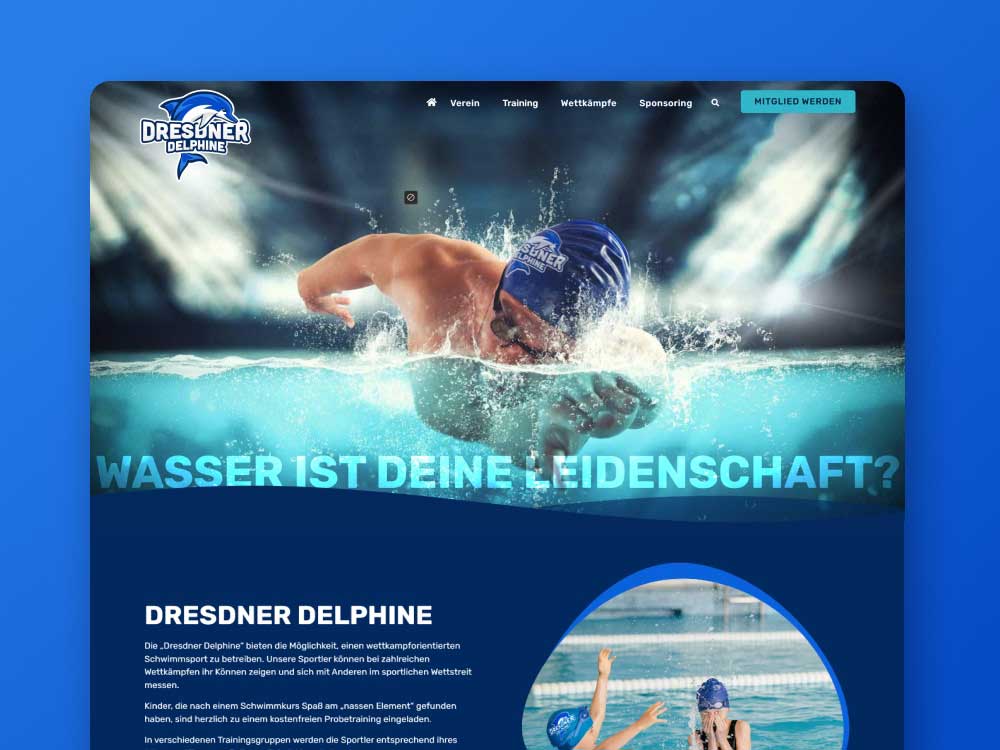
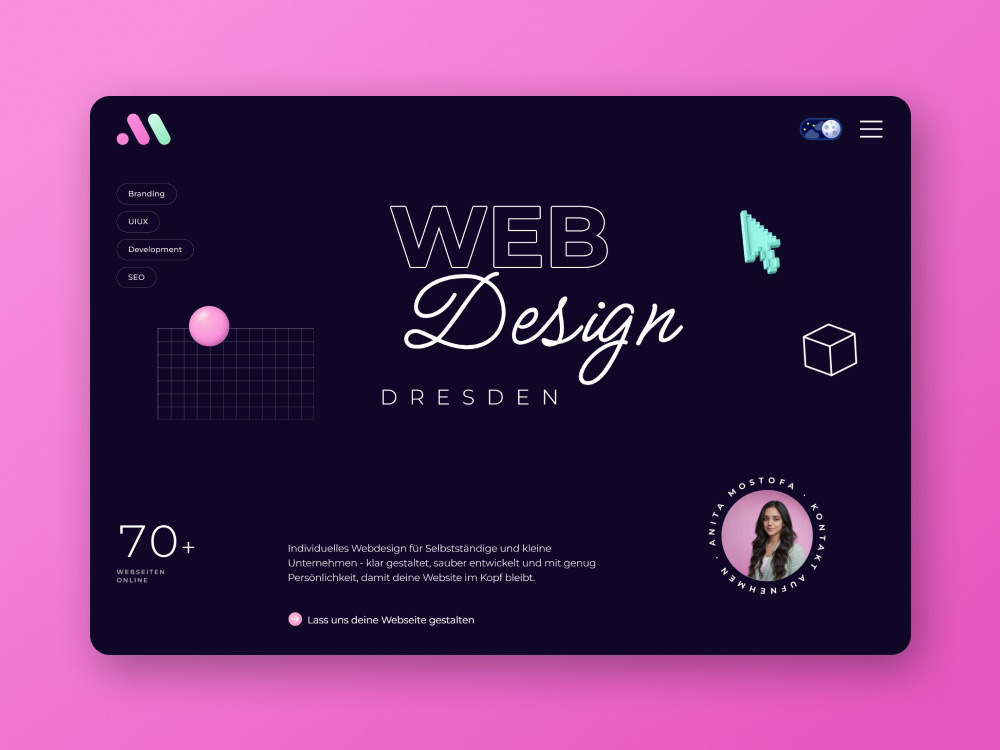
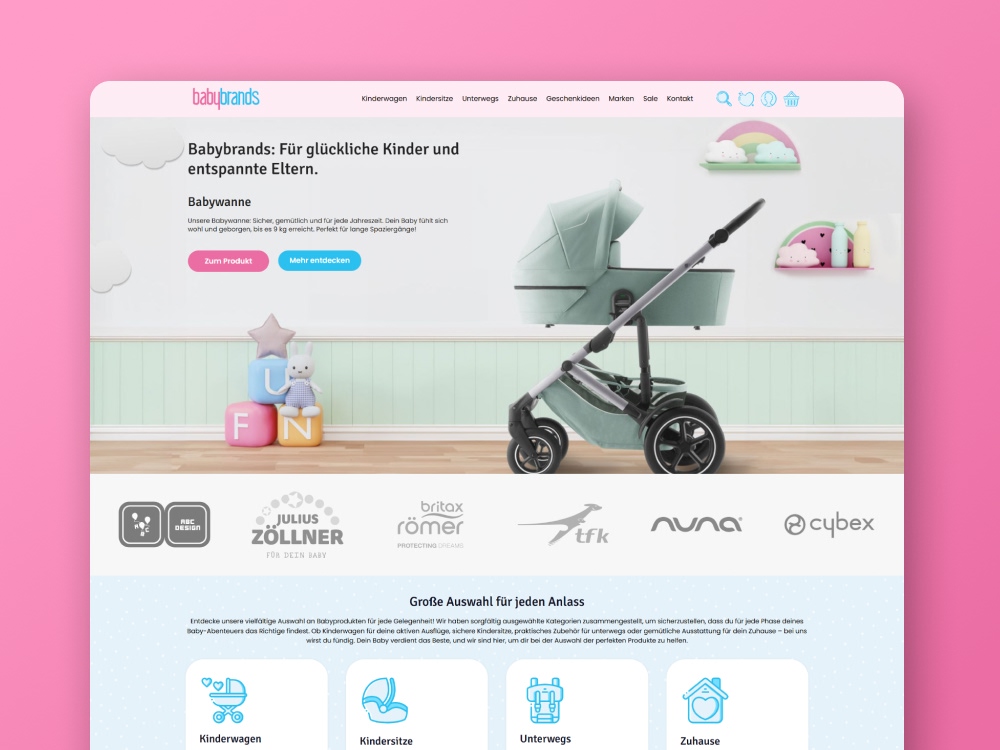
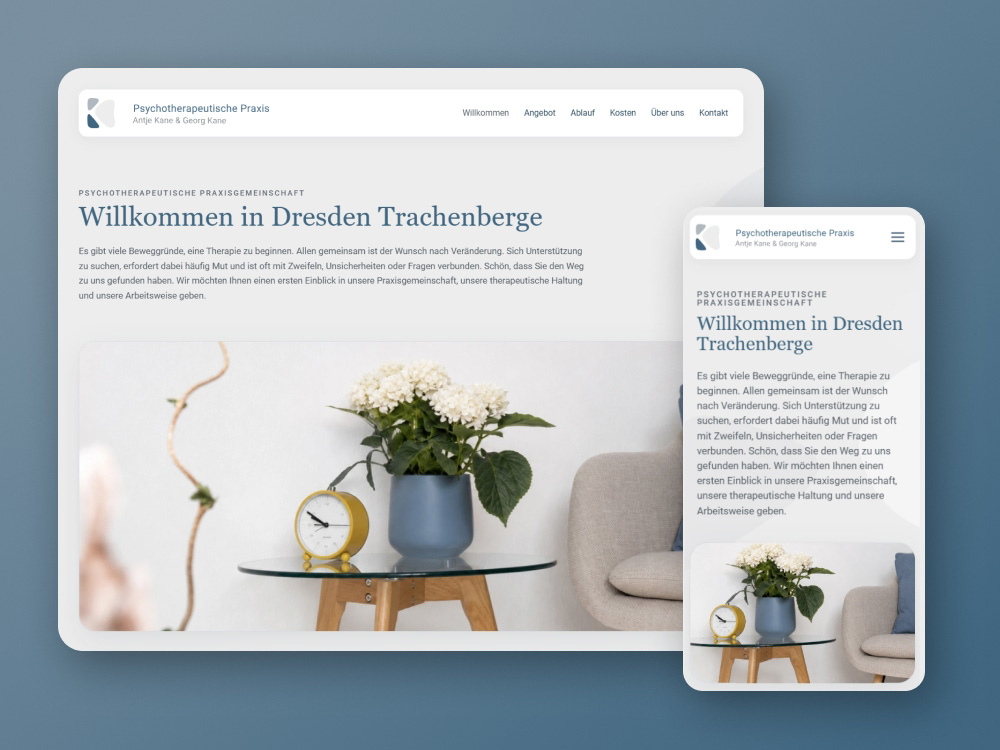
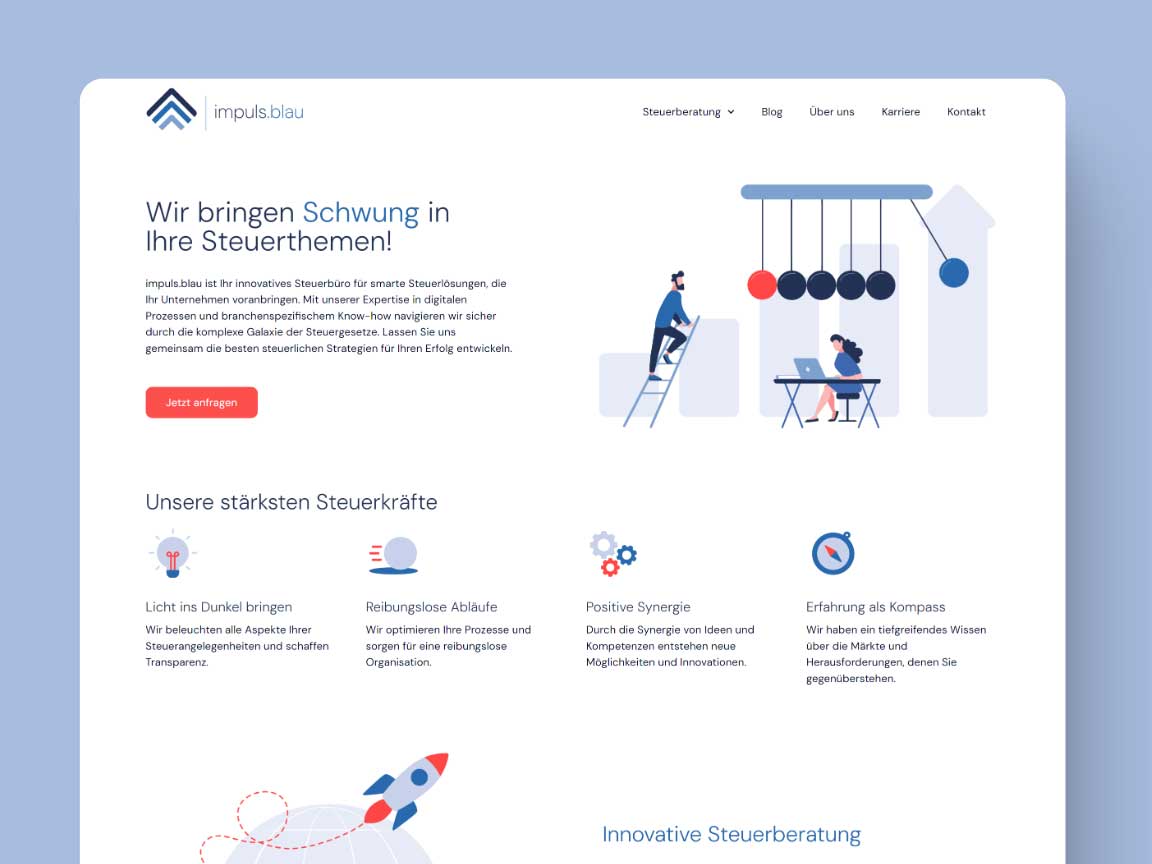
These examples from my web design projects show how design, content and implementation work together. The right solution for your AI draft depends on its files and your requirements.









7. Choose hosting that fits the files
Finished static HTML pages often work on static hosting. A PHP CMS needs a suitable PHP environment and, depending on the system, a database. Server-side JavaScript needs a supported runtime or an appropriate hosting platform. A static export cannot simply carry server functions with it; forms may need a separately hosted endpoint, for example.
Choose a hosting plan once the architecture is clear. Setup includes your domain, DNS, HTTPS certificate, preferred domain version and redirects. Plan email separately: moving a website must not accidentally disable existing mailboxes or their DNS records. My domain and hosting guide (in German) explains the basics.
8. Plan for security and ongoing costs
Have generated code checked for risky dependencies, exposed keys and unprotected endpoints. Forms need server-side validation and abuse protection. Administration accounts need appropriate permissions and strong authentication. HTTPS protects data in transit; it does not fix application bugs.
Agree on updates, backups, recovery and responsibilities. Static websites can still depend on external services and build dependencies that need updates. Alongside domain and hosting costs, allow for CMS licences, plugins, form delivery, booking services, maintenance and support where needed. Establish what can be exported if a contract ends.
9. Publish, hand over and keep the website running
- 1. Prepare
Approve the preview and content. Arrange a backup and a way to roll back.
- 2. Publish
Release the tested version. Check the domain, HTTPS and redirects.
- 3. Test the live site
Check navigation, form delivery, mobile layouts and error pages.
- 4. Check discoverability
Set up Search Console, submit the sitemap and inspect important URLs.
- 5. Hand over
Provide source code, media, licences, access and maintenance instructions.
- 6. Maintain
Assign responsibility for updates, content and regular functional checks.
For a personal website assessment, send the preview link, the available files, your intended page structure and a list of functions. Tell me what you want to edit yourself later. That makes it possible to assess whether the draft can be developed further or whether a clean implementation would be more economical.
For the visual side, explore my brand colour palettes, font pairings and animation principles with live examples.